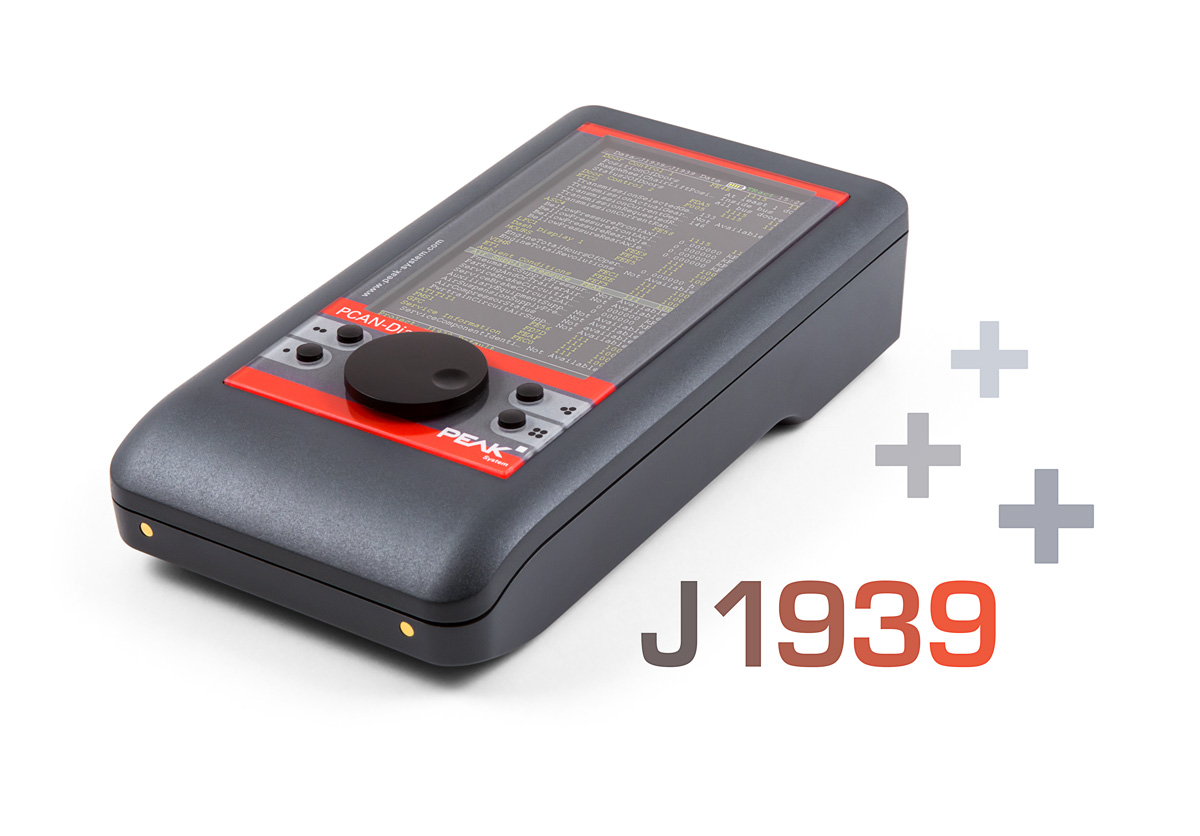
SAE J1939 describes communication in utility vehicles via CAN. Using PGs (Parameter Groups) and SPs (Suspect Parameters), the standard defines messages and data for the transmission of diagnostic and control information.
The J1939 Add-in for the PCAN-Diag FD extends the functional range of the diagnostic device by the support for the SAE J1939 standard. The CAN data traffic is interpreted according to the included J1939 database and is represented in a way that is understandable for the user. In addition, the add-in includes functions such as the decoding of multi-packet messages, address claiming, and the handling of diagnostic information.
The J1939 Add-in is activated with a device-bound license file which can also be purchased afterwards for a PCAN-Diag FD. Updates for the included J1939 database are included for a period of 2 years. An extension for further 2 years can be purchased separately. Une extension de 2 ans supplémentaires peut être achetée séparément.
Note: For the activation of the J1939 Add-in for an already purchased PCAN-Diag FD as well as for the maintenance extension of a J1939 Add-in license we need the serial number of your PCAN-Diag FD. Please enter your serial number in the comment field when ordering. You can read the serial number from the sticker on the bottom of your PCAN-Diag FD or output it via the support menu, see screenshots.